
HOW TO MAKE A PURCHASE AND BECOME
A CUSTOMER
OR BECOME AN AFFILIATE AGENT TO REFER AND EARN
CHANGE YOUR WATER - CHANGE YOUR LIFE - SHARE THE CHANGE - EARN REWARDS!
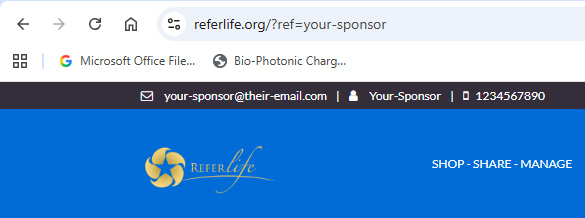
YOUR SPONSOR DETAILS
The person who introduces
you becomes your Sponsor. Their Username is after the =
Sponsor Email is is in the black | Sponsor Username | Sponsor Phone Number
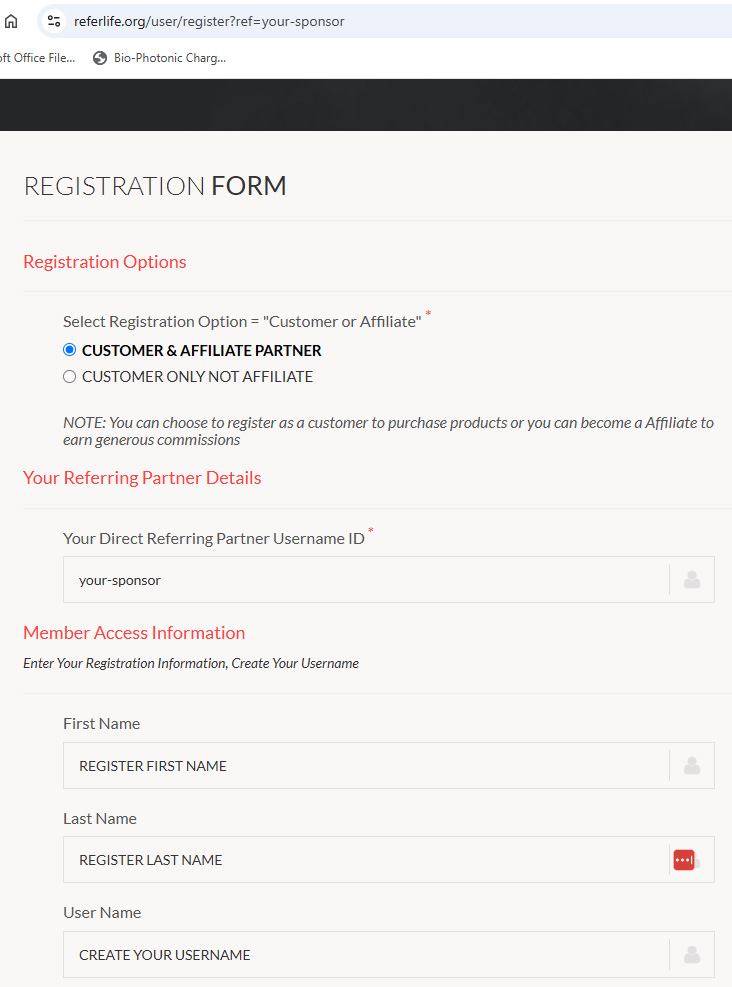
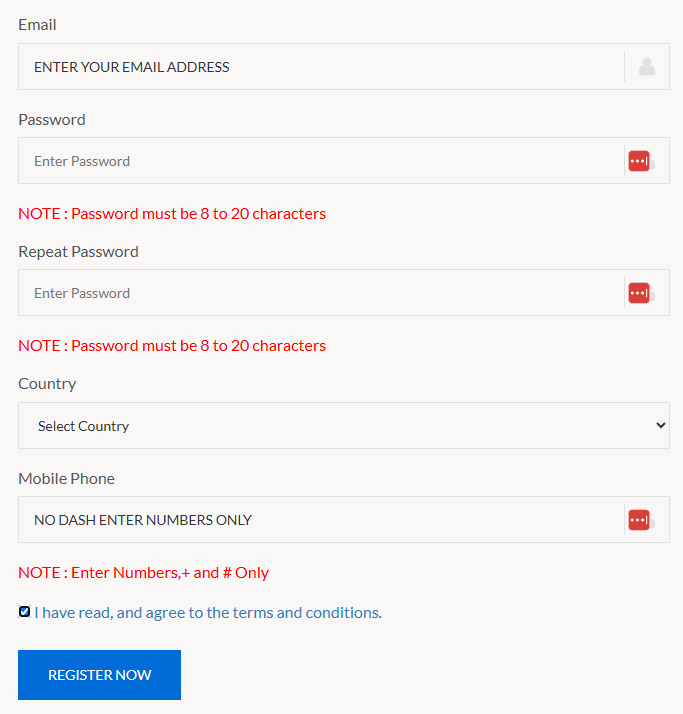
THE REGISTRATION FORM
Select Customer or Affiliate
to get started filling out the form
Confirm your sponsor is correct. If not enter their username.
Complete the Registration Form as required.
Agree to Terms and Conditions and Register
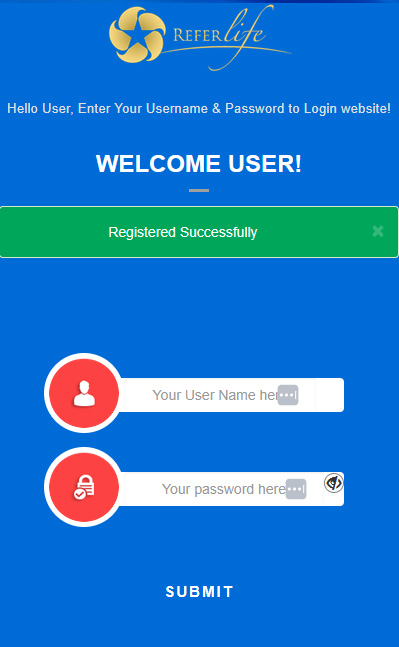
REGISTRATION SUCCESSFUL
You have completed the
registration successfully and are ready to make a PURCHASE.
You can now LOGIN TO YOUR ACCOUNT with Username and Password to proceed.
You have created your Username and you have an account ready to SHARE and
EARN.
YOUR BACK OFFICE POPUP
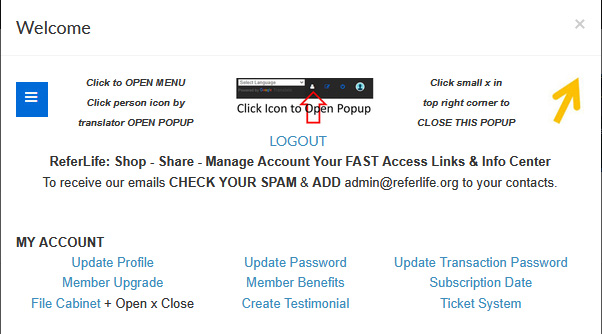
The popup is to provide a
convenient way to access back office tools.Turn your cell phone to landscape if needed to view all better.
Close popup with small x top right - Open with person icon ny language
Be sure to ADD admin@referlife.org to keep our emails out of SPAM.
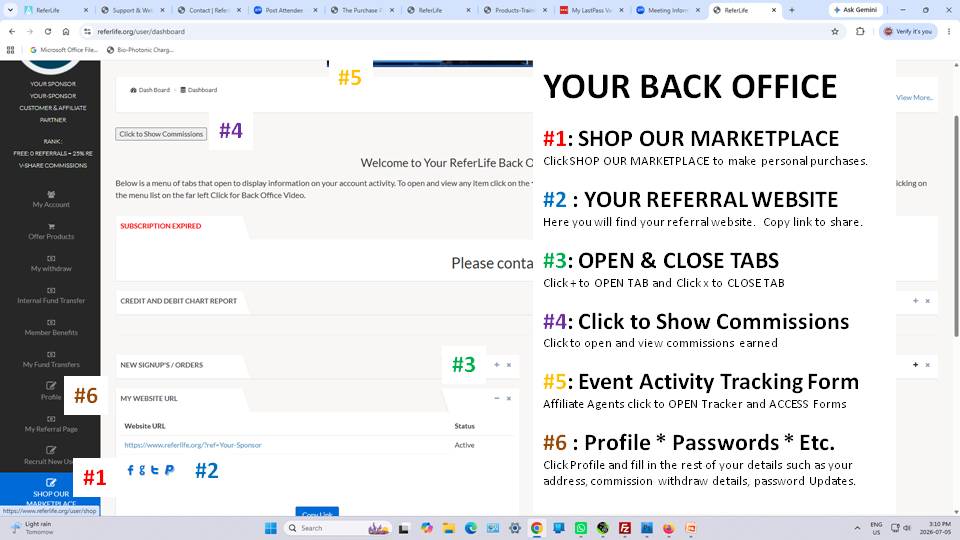
YOUR BACK OFFICE MAIN LINKS
Your Back Office povides
access to all your needs as a customer or an affiliate agent.This guides you to what will be the most important links you will need at the beginning.
Click through the links on the menu to familiarize yourself with what is there for you.
On a cell phone, open the menu with the 3 bars in BLUE that look like a hamburger.
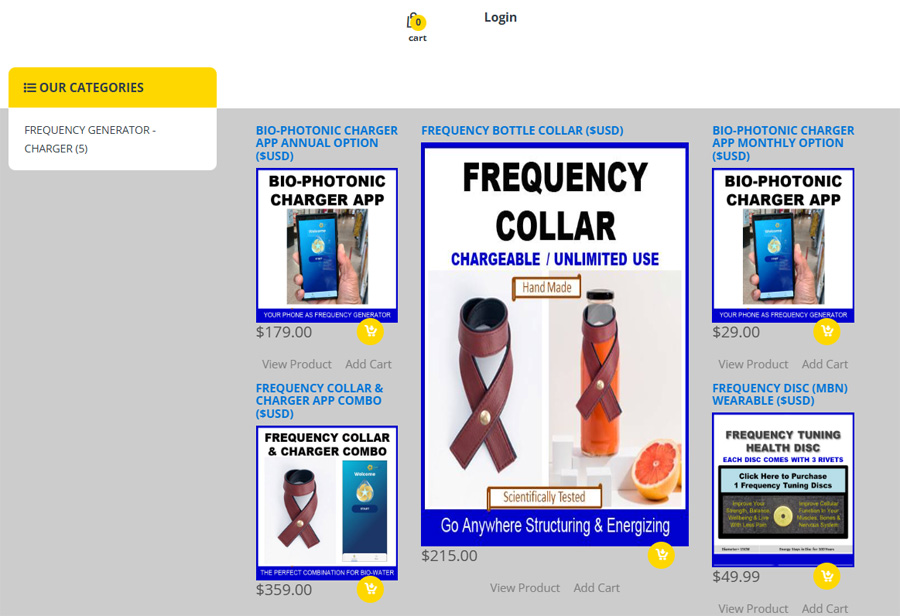
SHOP OUR MARKETPLACE:
Customers and Affiliates
SELECT: The product
of your choice and ADD TO CART
CLICK TO: ADD TO CART- YELLOW CART or ADD CART LINK
CLICK CART: Product number added to CART, CLICK to OPEN CART
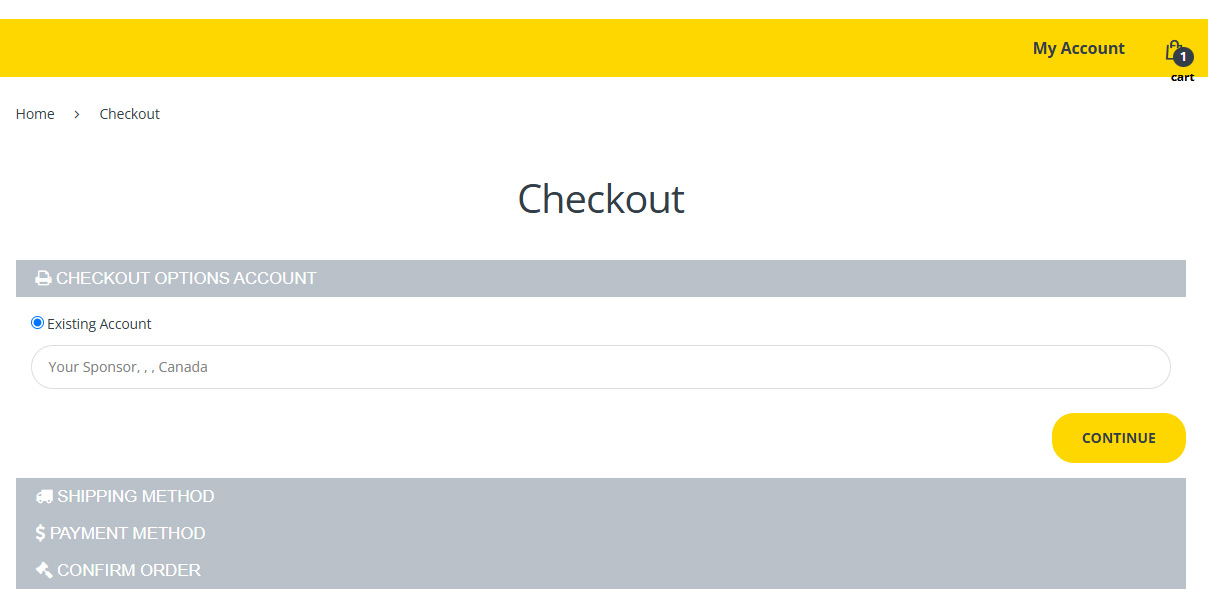
CHECKOUT: Confirm products in cart and contine to CHECKOUT
NOTE: If an account was not created yet, Registration Form appears
on Checkout.
CHECKOUT MARKETPLACE
#1:
VERIFYYour Username in the EXISTING ACCOUNT Field if already
registered
#2: If NOT REGISTERED, you will have the REGISTRATION FORM HERE INSTEAD
TO FILL OUT & Continue
#3: NEXT Page is SHIPPING, if ONLY ordering tha APP, NO SHIPPING
IS REQUIRED, ADD Shipping for COLLAR
#4: PAYMENT, select CREDIT CARD, DEBIT CARD and you will checkout with
Stripe. Do not use PAYPAL HERE.
#5: AGREE to Term:
Click to agree to the terms and conditions before you continue and finalize
your payment
#6: Subscribe or Purchase:
Confirm product choice and confirm pricing then Click to go to PAYMENT PAGE.
#7: PROCESS PAYMENT: IGNORE GREEN LINK, FILL EMAIL, and continue through
the payment process till complete.
PAYMENT SUCCESSFUL
Once
you have completed your payment and received the SUCCESS notification you
are ready for what's next.
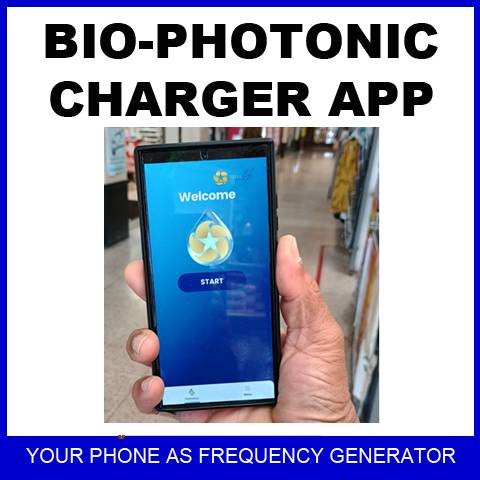
#1: DOWNLOAD BIO-PHOTONIC CHARGER APP if purchase. LOGIN WITH YOUR
CELL PHONE
#2: LOGIN TO https://referlife.org with your CELL PHONE to ACCESS APP
DOWNLOAD LINK
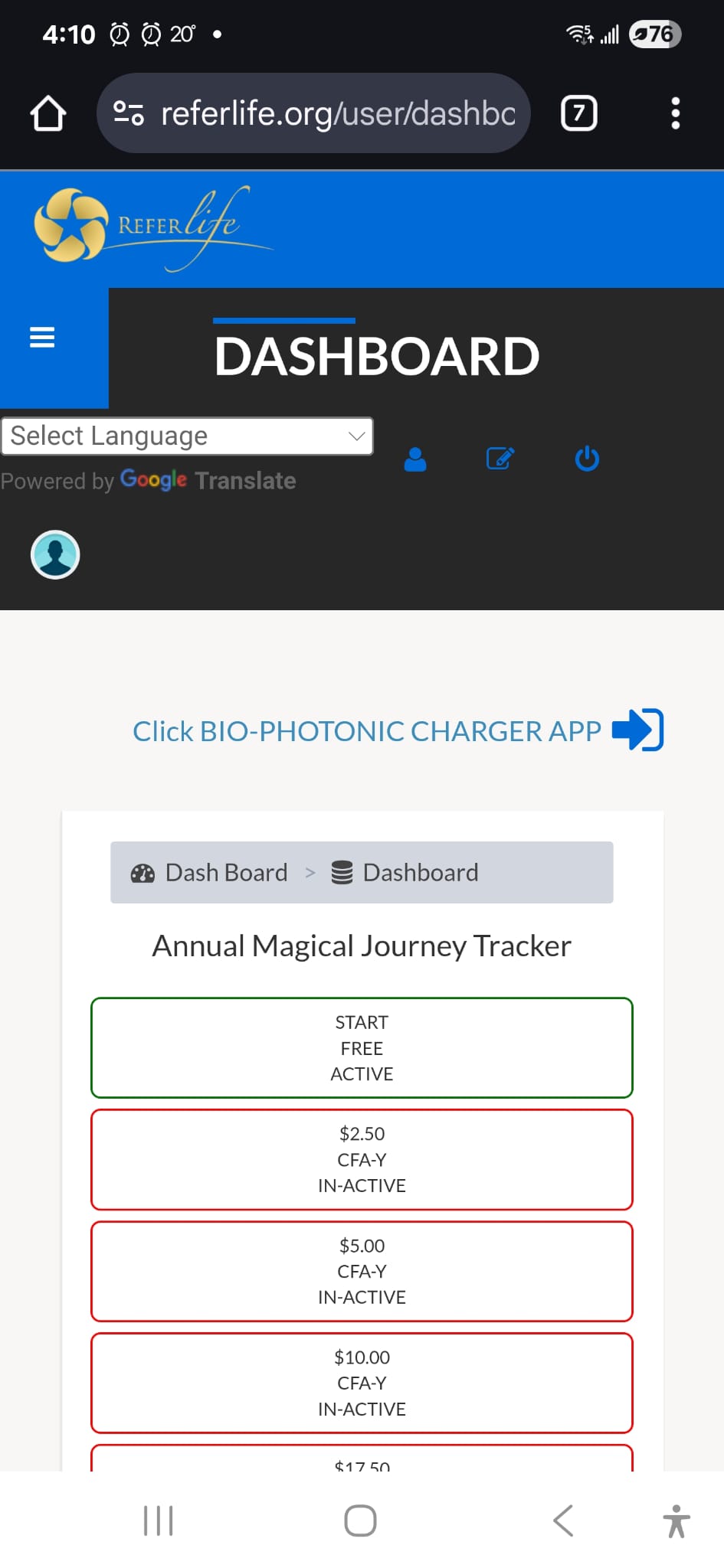
#3: CLOSE POPUP if OPEN and ACCESS YOUR BACK OFFICE DASHBOARD
YOUR DOWNLOAD LINK SHOULD BE WAITING FOR YOU TO CLICK. See Below.
#4: Click BLUE BIO-PHOTONIC CHARGER APP with ARROW RIGHT TO START DOWNLOAD
#5: BE PATIENT AS IT INSTALLS - WATCH FOR ADD TO HOME SCREEN - CLICK TO
ADD
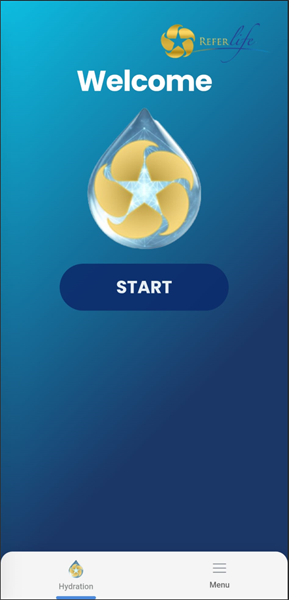
ONCE APP IS ADDED TO HOME SCREEN - CLICK START AND SHINE FLASHLIGHT ON
LIQUID.
NEED MORE HELP: ACCESS
OUR HOW TO TIPS HERE